2.4. Basic settings during the editing process
2.4.3. Audio editing
During the editing of the video, you may need to make some improvements or adjustments to the recorded audio. For example, you may need to take shots at different volumes, you may need to attenuate certain noises, you may want to add a sound effect to the video, etc.
To do so, the video editor itself, if basic, is usually very limited and does not allow for careful work on the sound. However, it does allow you to mute the sound, in the event that you want to ignore the audio of an image completely, and, in some cases (depending on the editor), to remove it.
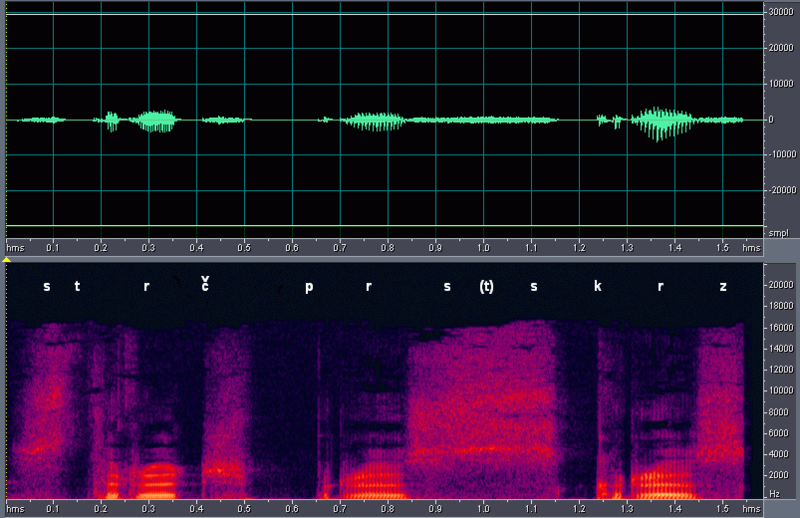
However, in order to specifically and carefully edit the sound, there are audio editing programmes that allow you to work on it separately.
However, if you have decided to incorporate a voice-over in your audiovisual product, you can also use an audio editing programme to record it.
One of these audio editing programs is Audacity, which is free and cross-platform. It allows you to record sounds, play them back, edit them, as well as import and export WAV, AIFF, MP3 and other files.
You can download it at https://www.audacityteam.org/
The new version of Audacity focuses on the needs of musicians, including tempo adjustments, time signatures, beat alignment, a new music grid and time stretching. An explanation of the new changes can be found in the video below.
In order to use it efficiently, and according to your needs, we recommend you to watch the video tutorial of the latest version. For more information, you can also check out the manual in English.